Make-Ready Tracking Software for Auto Dealerships
“Make-ready” and “recon” describe the same work: getting a used vehicle frontline-ready. ReconDeck tracks the full make-ready process with live stages, assignments, timers and a color-coded TV board.
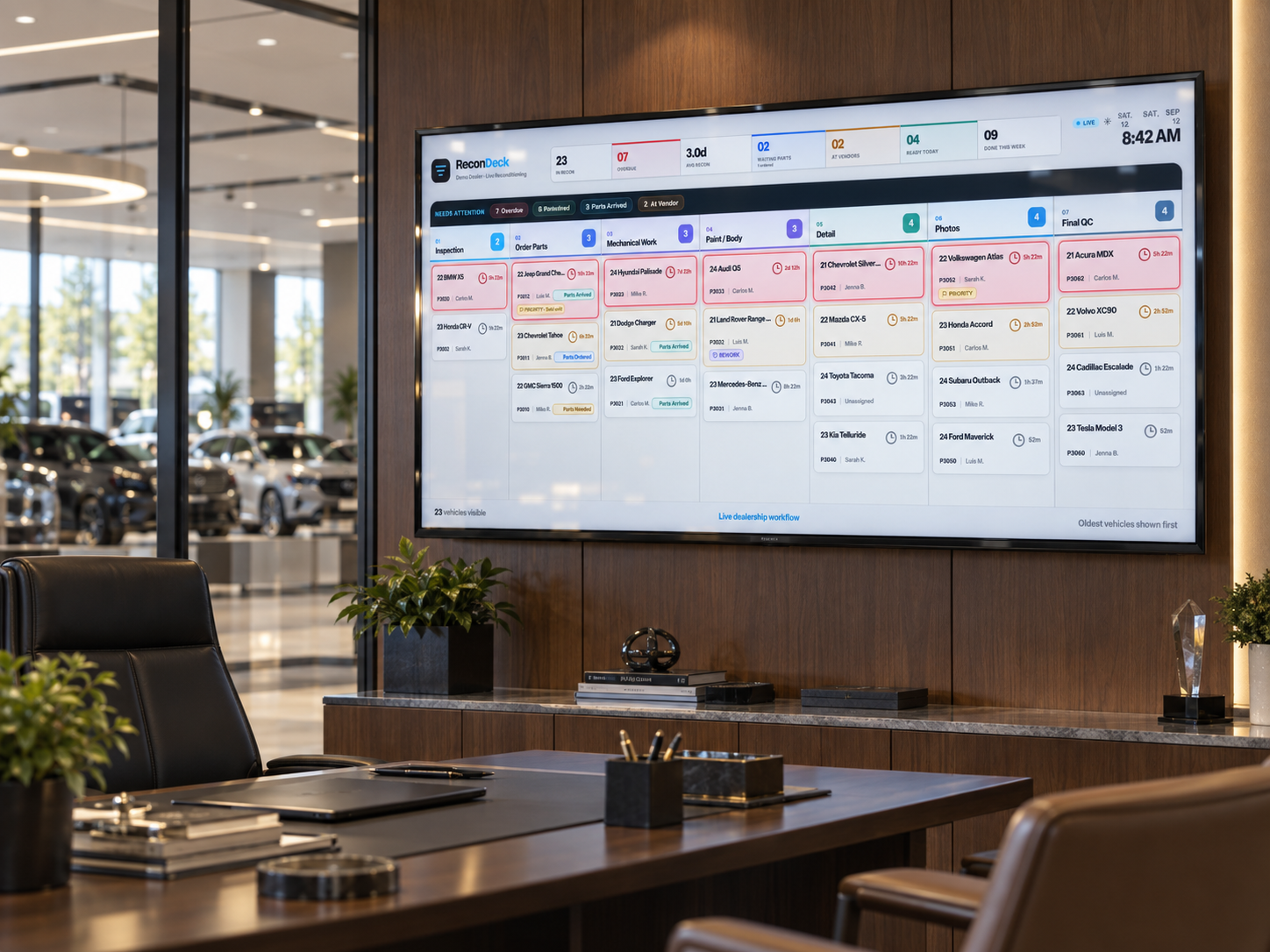
A dealership manager checks vehicle make-ready status on the ReconDeck TV dashboard from the front office.
“Make-ready” and “recon” describe the same work: getting a used vehicle frontline-ready for sale. Some dealerships call the process make-ready; others call it reconditioning. Either way, the work has to be tracked, assigned and visible — and ReconDeck tracks the complete make-ready process.
Track the Complete Make-Ready Process
From the moment a vehicle arrives to the final quality check before it hits the frontline, ReconDeck gives the whole shop one live, color-coded view of what is moving, what is waiting and what needs attention.
Live vehicle stages
Track each vehicle through the make-ready process with live status at every step.
Assignments
Each step has an owner, so responsibility is clear instead of assumed.
Stage timers
Timers show how long a vehicle has been in its current step so aging is visible.
Parts status
Parts on order stay visible as a waiting status until they arrive, so a car doesn't quietly stall.
Color-coded TV dashboard
The board is designed to be read at a glance from across a bay or manager's office.
Frontline-ready records
When make-ready is complete, the full record and a customer-ready report stay with the vehicle.
Make-Ready Is Recon
If your dealership calls it make-ready, ReconDeck tracks it the same way — with the stages your shop uses, not a fixed list. See the full recon tracking software.
See ReconDeck in your dealership
Walk through the TV board, technician workflow, inspection, costs and customer report in a short dealership-focused demo.